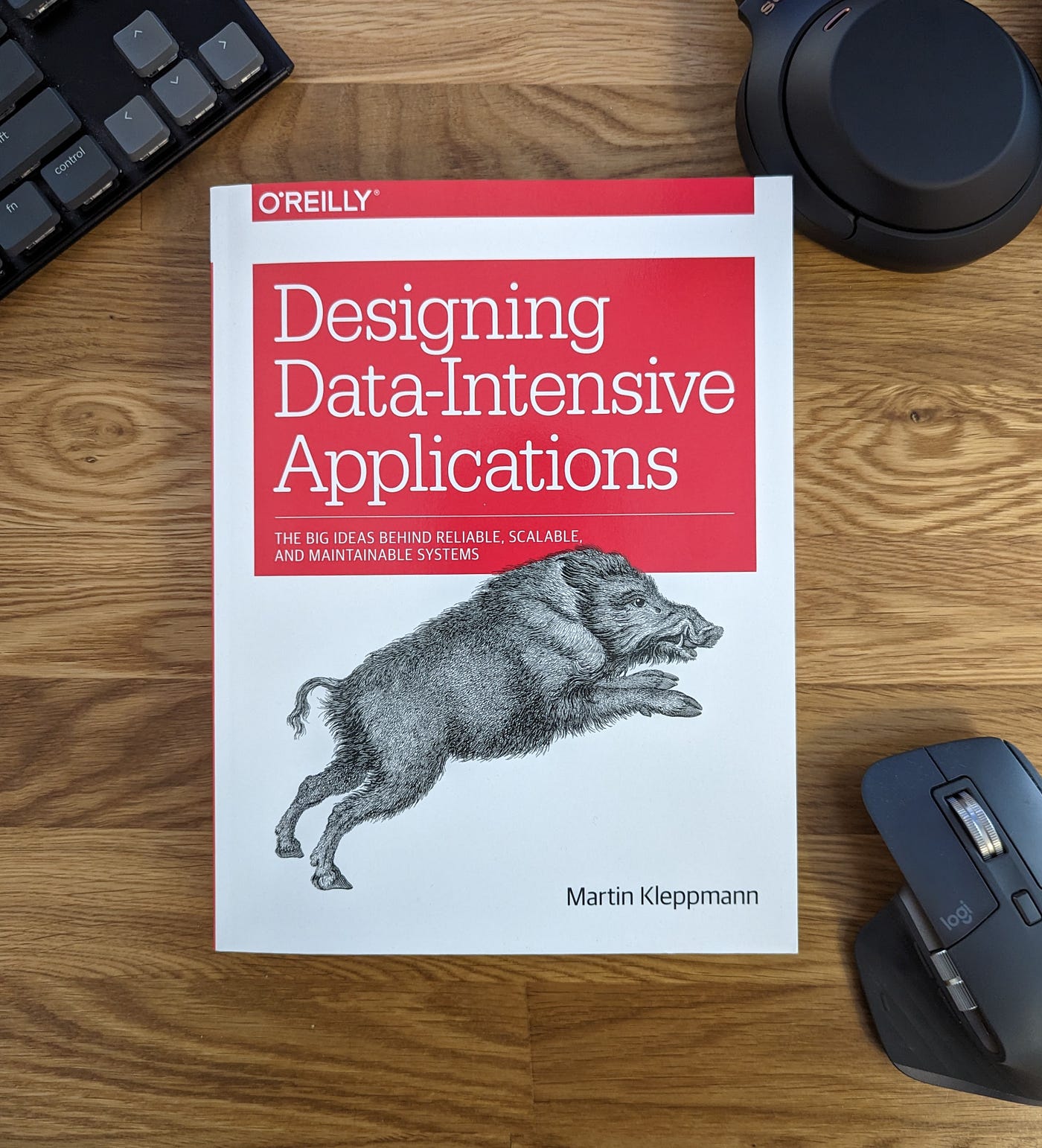
Designing Data-Intensive Applications (Photo Credit: Google)
Book Introduction
“Designing Data-Intensive Applications” by Martin Kleppmann is a practical guide to building reliable, scalable, and maintainable data-intensive systems. It explores the fundamental ideas behind databases, distributed systems, replication, partitioning or sharding, transactions, consistency, messaging, consensus, batch processing, and stream processing. All the time, focusing on the trade-offs behind engineering decisions.
About Author(s)
Martin Kleppmann is a computer scientist, author, and researcher specializing in distributed systems and data-intensive applications. He is best known for this book, which has become a widely recommended reference for software engineers and architects designing large-scale systems.
Lessons, Tips, Tricks, and Solutions
The most valuable part is the learning:
How to think about systems? Good system design is less about knowing technologies and more about understanding trade-offs. So its important to know, what problem am I solving, what guarantees do I need, what can fail, and what am I willing to trade?”.
Below are some of the lessons I keep coming back to:
Don’t Start With the Technology
Instead of asking questions like: “Should we use PostgreSQL or MongoDB?”
Asks:
- What problem are we solving?
- How much data?
- Read/write ratio?
- Expected traffic?
- Latency requirements?
- Consistency requirements?
- Availability requirements?
- What happens when things fail?
Lesson:
Requirements should drive technology, not the other way around.
“Scalable” Is Not a Requirement
“Millions of users” doesn’t tell us much insights.
Instead define:
- Requests/sec
- Reads/sec
- Writes/sec
- Data volume
- Data growth
- Concurrent connections
- Events/sec
- Network bandwidth
Lesson:
Turn vague scale requirements into measurable workload characteristics.
Latency and Throughput are Different
- Latency: How long one request takes.
- Throughput: How much work the system handles per second.
Don’t rely only on averages. Measure the percentile also.
Lesson:
Always ask: “What’s the tail latency?”
Reliability Is About More Than Uptime
A system isn’t reliable merely because it is “up.”
Reliability includes:
- Correctness
- Availability
- Durability
- Fault tolerance
- Predictable behavior
- Recovery from failures
Does the system continue doing the correct thing when things go wrong? That’s a much stronger definition.
Assume Everything Will Fail
Failures aren’t exceptional.
Expect:
- Network failures
- Disk failures
- Database failures
- Service crashes
- Slow dependencies
- Cloud outages
- Human mistakes
Lesson:
Reliability means doing the right thing when things go wrong.
A Timeout Doesn’t Mean Failure
In case long running or pending response, did the operation fail? You don’t know. It may have succeeded.
That’s why:
- Timeouts
- Retries
- Idempotency
must be designed together.
Retries Can Make an Outage Worse
If the dependency is already overloaded, retries amplify the problem.
Use:
- Limited retries
- Exponential backoff
- Jitter
- Timeouts
- Idempotency
Lesson:
A retry is additional load, not free insurance.
Idempotency Is Your Friend
Suppose, request succeeds, but response is lost. Client retries. Without idempotency, duplicates happen. With an idempotency key, only one operation happen.
Useful for:
- Payments
- Orders
- Account creation
- Message processing
- Job execution
Lesson:
If an operation can be retried, make it safe to retry.
Exactly-Once Is Hard
Common delivery semantics:
- At-most-once : may lose messages
- At-least-once : may duplicate messages
- Exactly-once : much harder than it sounds
The message may arrive again. Often the practical solution is:
At-least-once delivery + idempotent processing.
The Database Is More Than a Storage Box
A database is doing a tremendous amount of work:
- Storage
- Indexing
- Query optimization
- Concurrency control
- Transactions
- Crash recovery
- Replication
- Locking
- Logging
- Durability
Understanding how these mechanisms work changes how you write applications.
Indexes Are Not Free
An index makes reads faster. But indexes have costs. Every additional index can mean:
- More storage
- More memory usage
- More write work
- More maintenance
Every index can increase write cost.
Lesson:
Don’t ask “Can we add an index?” Ask “What workload does this index optimize, and what does it cost us?”
Read Patterns Should Influence Data Modeling
A powerful idea from DDIA:
Data models should reflect how data is used.
Don’t only model:
“What does the business entity look like?”
Also ask:
“How will the application retrieve it?”
Your database design should make that query efficient. Data modeling is therefore closely connected to access patterns.
Transactions Protect Invariants
Don’t think of transactions as just:
“BEGIN and COMMIT.”
Think:
What must always remain true?
Examples:
- Inventory cannot become negative.
- Payment must match an order.
- Username must be unique.
- Money shouldn’t disappear during a transfer.
Then use:
- Transactions
- Constraints
- Locks
- Atomic operations
to protect those invariants.
Concurrency Creates Bugs
Ask:
What happens if these two operations happen at the same time?
Possible tools:
- Transactions
- Row locks
- Optimistic concurrency
- Atomic updates
- Constraints
Don’t Guess About Database Performance
When a query is slow:
| |
or:
| |
Look for:
- Sequential scans
- Index scans
- Join strategy
- Row estimates
- Sorting
- Aggregation
- Unexpected cardinality
Lesson:
Measure the query plan instead of guessing.
Replication Is Not Backup
Replication helps with:
- Availability
- Read scaling
- Fault tolerance
Backup helps with:
- Accidental deletion
- Corruption
- Historical recovery
- Point-in-time recovery
Lesson:
You need replication and backups.
Replication Creates New Problems
With replication you have to think about:
- Replication lag
- Failover
- Leader failure
- Split brain
- Stale reads
- Lost writes
- Promotion
- Reconciliation
Ask:
Does this use case require read-after-write consistency?
Replication and Partitioning Solve Different Problems
Replication useful for:
- Availability
- Fault tolerance
- Read scaling
Partitioning useful for:
- Data volume
- Write scalability
- Storage limits
- Parallelism
Large systems often need both.
Choose Partition Keys Carefully
If we don’t choose it carefully then one partition can becomes overloaded.
Watch for:
- Hot partitions
- Uneven traffic
- Rebalancing cost
- Cross-partition queries
Lesson:
A partition key is a workload-distribution decision.
The Network Is Not a Function Call
A network request can:
- Timeout
- Be lost
- Be duplicated
- Be delayed
- Be processed but return no response
Lesson:
Treat remote calls as unreliable operations.
Slow Is Sometimes Worse Than Down
A completely failed dependency can be easier to handle.
A slow dependency can cause:
- Connection exhaustion
- Thread exhaustion
- Queue growth
- Memory pressure
- Retry storms
Lesson:
Latency is a failure mode.
Backpressure: What Happens When Consumers Are Slower?
Possible solutions:
- Scale consumers
- Slow producers
- Batch work
- Apply backpressure
- Drop low-priority work
- Load shed
Lesson:
Every queue needs a capacity story.
A Queue Doesn’t Create Infinite Capacity
A queue can absorb temporary traffic spikes. It cannot solve slow consumer problems forever. The backlog will eventually grow without bound.
Lesson:
A queue buys you time; it doesn’t create capacity.
Ordering Is Usually Local
You can guarantee ordering within a partition. Not necessarily globally.
So instead of asking:
“Do we need ordering?”
Ask:
“What exactly needs to be ordered?”
Eventual Consistency Isn’t Always Bad
If a search index updates two seconds later, is that a problem? Maybe not.
But for bank balance it might be unacceptable.
Lesson:
Consistency should be driven by business requirements.
CAP Is Commonly Misunderstood
CAP isn’t:
“Choose any two of C, A, and P.”
The interesting situation is a network partition.
During a partition, you may have to choose between: Strong consistency vs Availability
The key lesson:
You can’t make disconnected nodes instantly agree on reality.
Consensus Is Not Replication
Replication:
“How do we keep multiple copies?”
Consensus:
“How do multiple nodes agree on a decision despite failures?”
Consensus algorithms such as Raft or Paxos help with:
- Leader election
- Coordination
- Cluster metadata
- Agreement
Always Think About Split Brain
Imagine two nodes both think: I am the leader. Now both accept writes and the disaster starts.
When designing leader-based systems, ask:
What prevents two leaders from acting at the same time?
Think about:
- Quorum
- Consensus
- Leases
- Fencing
Fencing Protects Against Zombie Leaders
The old leader shouldn’t be allowed to keep writing. A fencing token can help rejects operations from old leader.
Lesson:
Don’t just detect old leaders, also prevent them from doing damage.
Events Should Be Treated Like APIs
Once other systems consume your events, so changing the event schema becomes dangerous.
Think about:
- Backward compatibility
- Forward compatibility
- Optional fields
- Versioning
- Schema governance
Lesson:
An event consumed by other systems is a contract.
Transactional Outbox Solves a Classic Problem
Suppose you need to update database + publish event. What if one success and another failed? Now your database and event stream disagree.
Outbox:
The database update and event creation become atomic.
Source of Truth vs Derived Data
Data that need for day to day operation and supports other analytics is source of truth. And, analytics system or any other that can reproduce using source of truth is called derived data like: cache.
Lesson:
Know which data is authoritative and which data can be reconstructed.
Caching Creates a Second Reality
With cache you must answer:
- How stale can data be?
- How is invalidation handled?
- What if cache disappears?
- What if millions of keys expire together?
Caching improves performance, but introduces consistency complexity.
Beware Cache Stampede
Suppose a popular cache entry expires and all the request lands to database now. It can harms overall system.
Possible solutions:
- Request coalescing
- Locks
- Early refresh
- TTL jitter
- Stale-while-revalidate
Lesson:
Design for cache misses, not just cache hits.
Stream Processing Has Time Problems
An event may happen at: 10:00, but arrive at: 10:05. Therefore event time is different than processing time.
This leads to:
- Windows
- Watermarks
- Late events
- Out-of-order events
Real-time event processing is often much harder.
Schema Changes Need a Migration Strategy
Avoid immediately remove old column after deploy new code. Instead, plan and evaluate the situation and migration strategy considering backward and forward compatibility.
Lesson:
Database evolution is part of application deployment.
Microservices Move Complexity Around
Microservices can provide:
- Independent deployment
- Team ownership
- Independent scaling
But introduce:
- Network failures
- Distributed transactions
- Eventual consistency
- More observability
- More deployments
- More operational overhead
Lesson:
Microservices aren’t free scalability.
Every New Component Creates New Failure Modes
Before adding a component, ask:
What problem does this solve, and what new problems does it introduce?
Backups Are Only Useful If You Can Restore Them
A backup saying success doesn’t prove recovery works.
Lesson:
A backup you haven’t restored is a theory and not useful.
Recovery Is Part of Architecture
Don’t only design: “How does the system work?”
Also design: “How does the system recover?”
Ask:
- What if the database dies?
- What if Kafka loses a node?
- What if a region goes down?
- What if data is corrupted?
- How do we rebuild derived data?
Distributed Transactions Are Expensive
Suppose you have 2 database and one business operation requires both databases to succeed. Now you need some form of distributed transaction or workflow.
Two-phase commit (2PC) can provide coordination, but it introduces:
- Coordinator dependency
- Blocking scenarios
- Failure complexity
- Operational complexity
- Performance overhead
An alternative is often a Saga with compensating actions when something fails. The system should designed around compensation rather than one giant atomic transaction.
“Distributed Transactions Are Hard” Is Not the Solution
When a distributed transaction is difficult, don’t immediately jump to:
“Let’s use Kafka.”
Ask whether the business operation can be redesigned. Architecture often improves when the business process itself is modeled explicitly.
RPO and RTO Turn “Recovery” Into Something Measurable
RPO — Recovery Point Objective
How much data can we afford to lose?
Example:
| |
Means you can tolerate losing up to roughly five minutes of recent data, depending on the recovery design.
RTO — Recovery Time Objective
How quickly must the service recover?
Example:
| |
Means the system should be restored within roughly 30 minutes.
These requirements influence:
- Backup frequency
- Replication
- Disaster recovery
- Architecture
- Cost
Zero-Downtime Deployment Is Mostly About Compatibility
People often think zero-downtime deployment means:
“Use Kubernetes rolling deployments.”
But the harder problem is usually:
| |
For example:
If they’re incompatible, rolling deployment doesn’t save you.
The real requirement is:
Compatible evolution.
The DDIA Questions I Keep in My Head
When designing a system, I find these questions more useful than memorizing technologies:
- What is the business requirements?
- What is the workload?
- What is the source of truth?
- What invariants must always hold?
- What consistency do we actually need?
- What happens concurrently?
- What happens when something is slow?
- What happens when something fails?
- Can requests be duplicated?
- Can messages be duplicated?
- Does ordering matter?
- Where is the bottleneck?
- How does the system scale?
- How does it recover?
- Can derived data be rebuilt?
- What does this architecture cost?
- What complexity are we introducing?
The Biggest Lesson
After reading DDIA, I don’t think the goal is to become someone who can recite the low level details like:
- B-Tree
- LSM Tree
- MVCC
- 2PL
- WAL
- SSTables
- Raft
- CAP
- 3PC
- Kafka
- Replication
- Partitioning
The real goal is to become someone who naturally asks:
- What happens when this grows?
- What happens when this is slow?
- What happens when this fails?
- What happens when the same request arrives twice?
- What happens when data is stale?
- What happens when two operations happen concurrently?
- How do we recover?
- And what trade-off are we making?
In One Sentence:
Build systems around requirements, understand the data flow, expect failure, make correctness explicit, measure the real bottlenecks, design for recovery, and never accept complexity without understanding the trade-off.